
Shoes
Compare footwear shapes, soles and uppers in their own section. Narrow to a shoe type and inspect available QC alongside seller photos.
Find the category. Compare the photos. Browse the Oopbuy spreadsheet with product links, reference prices and available QC, then take a closer look at the exact source item.
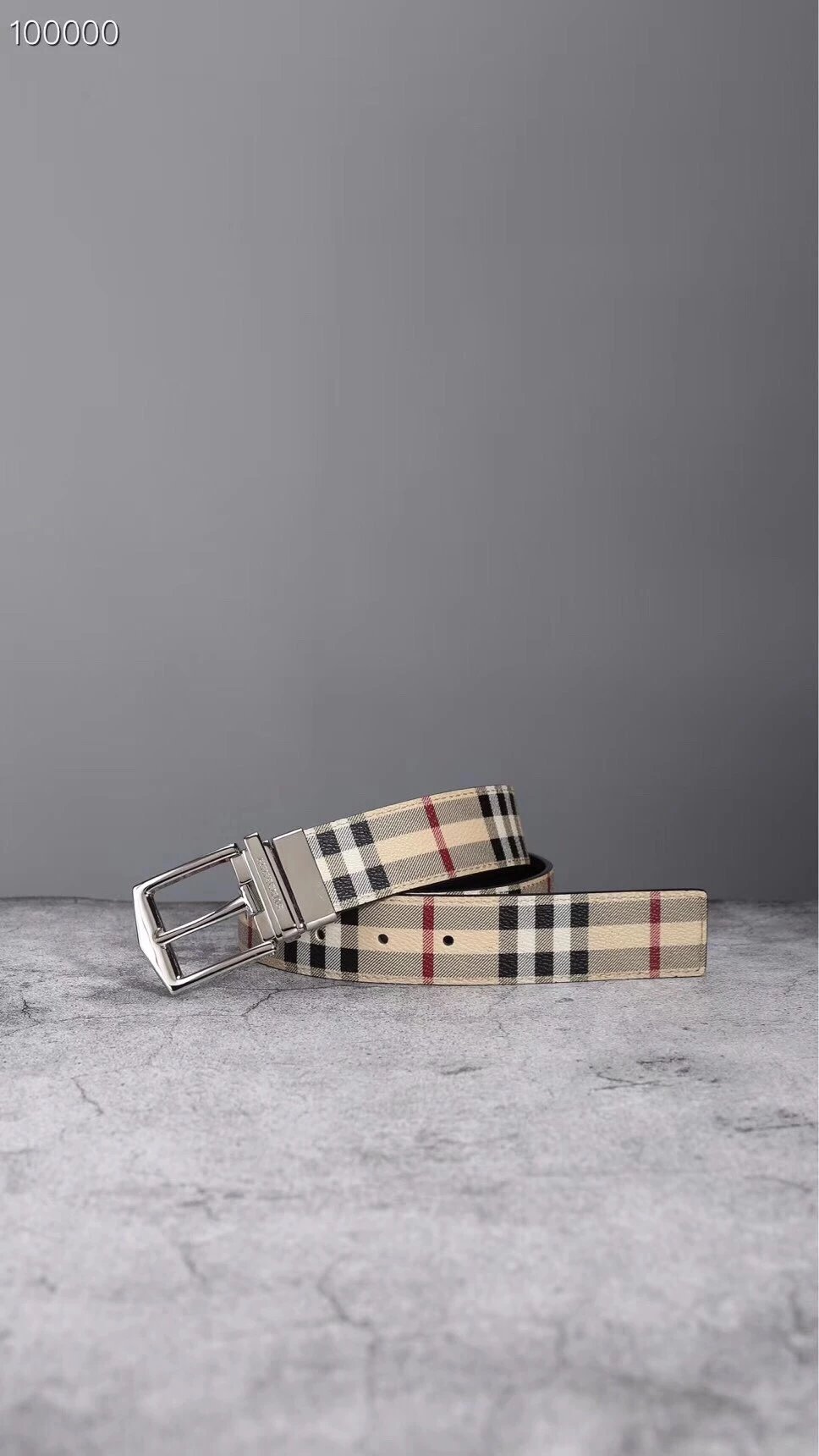
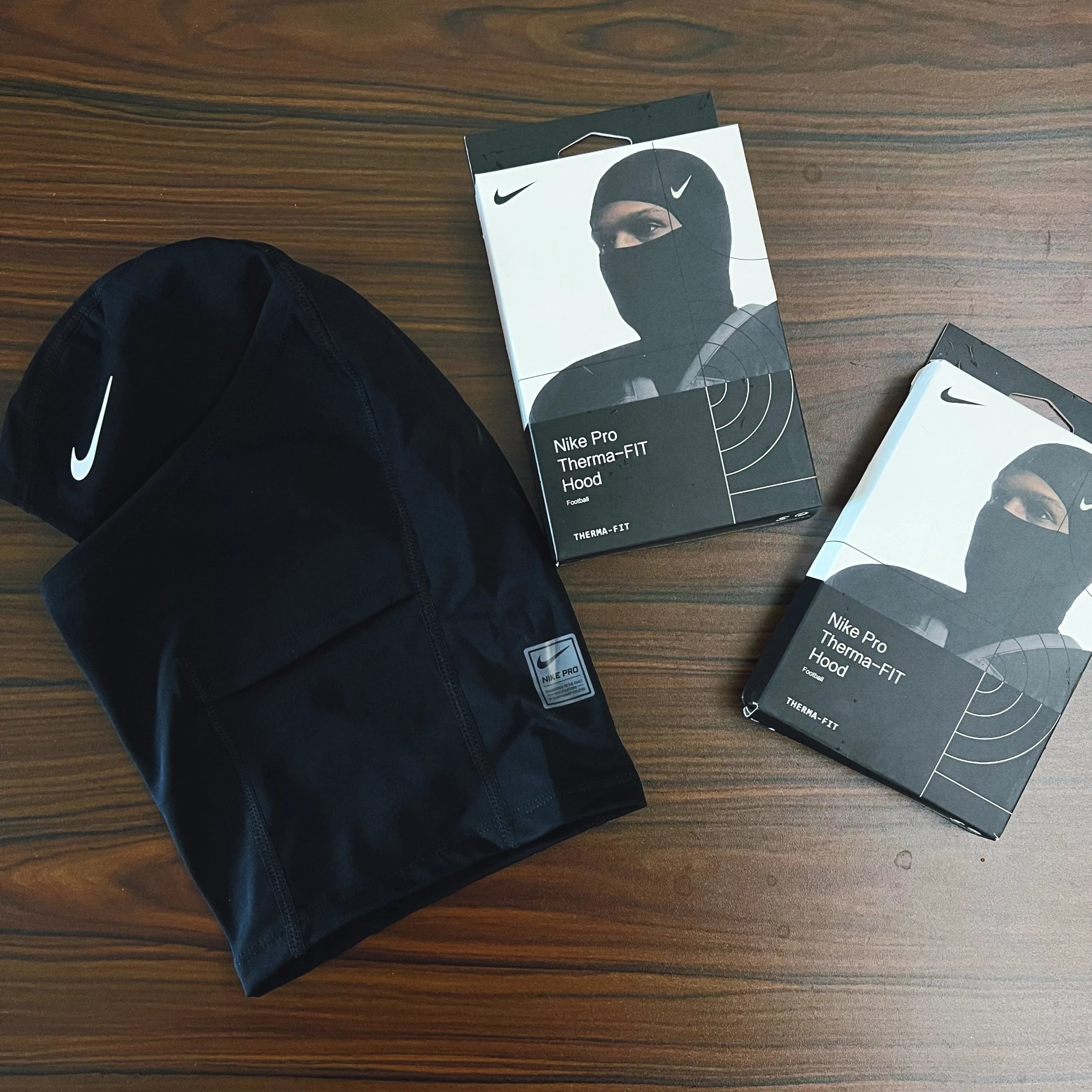
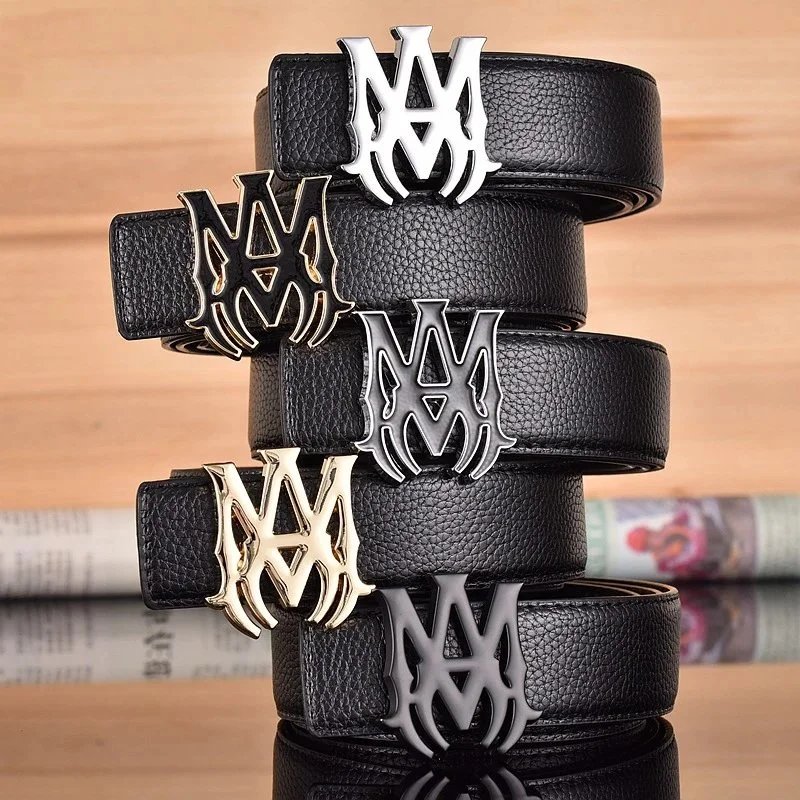
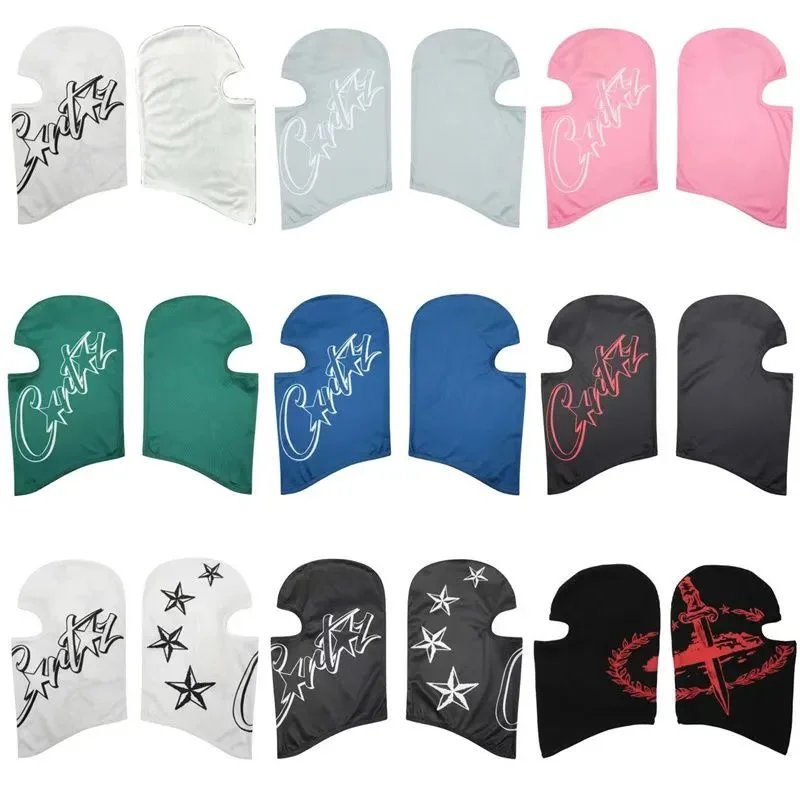
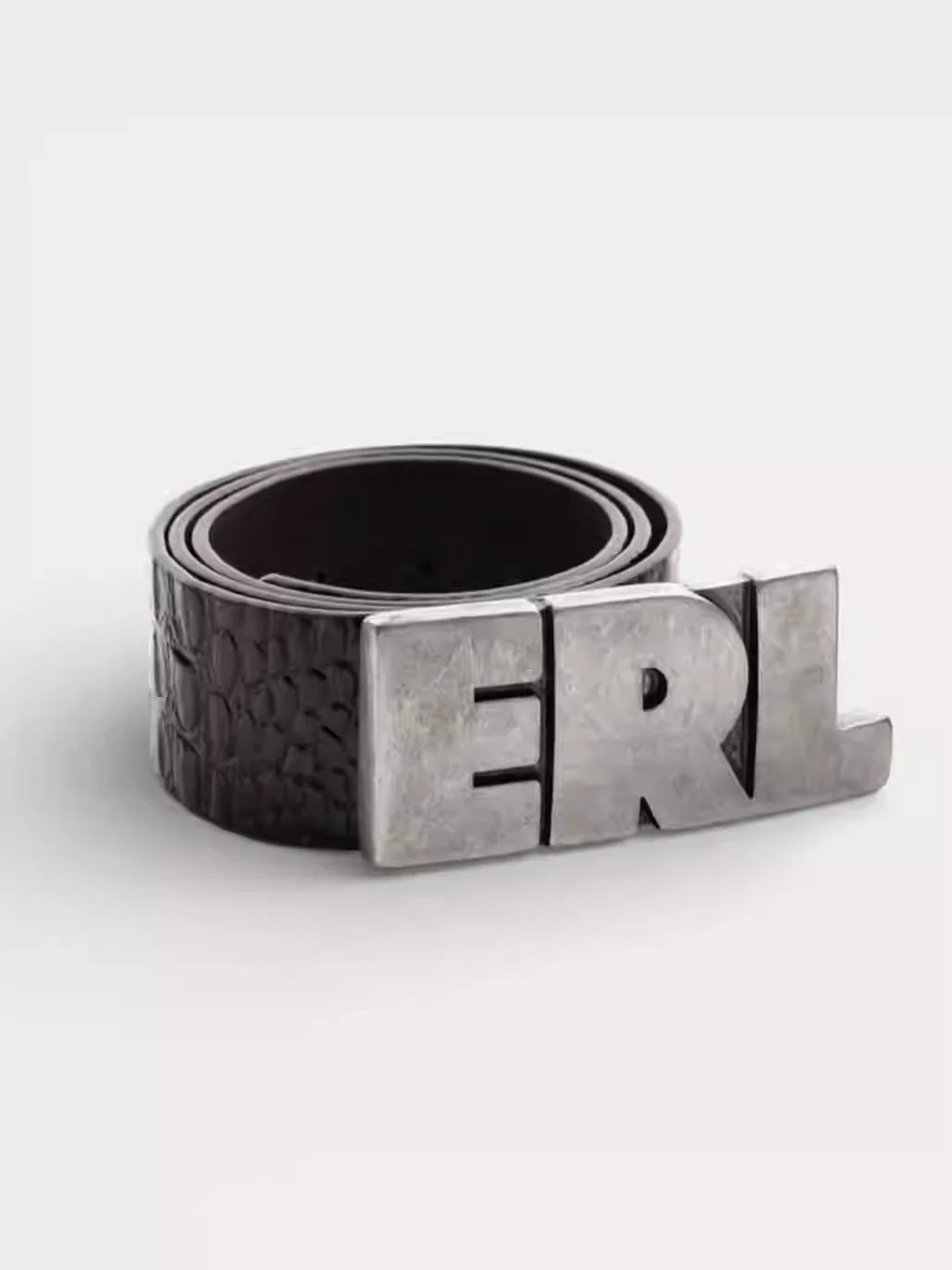
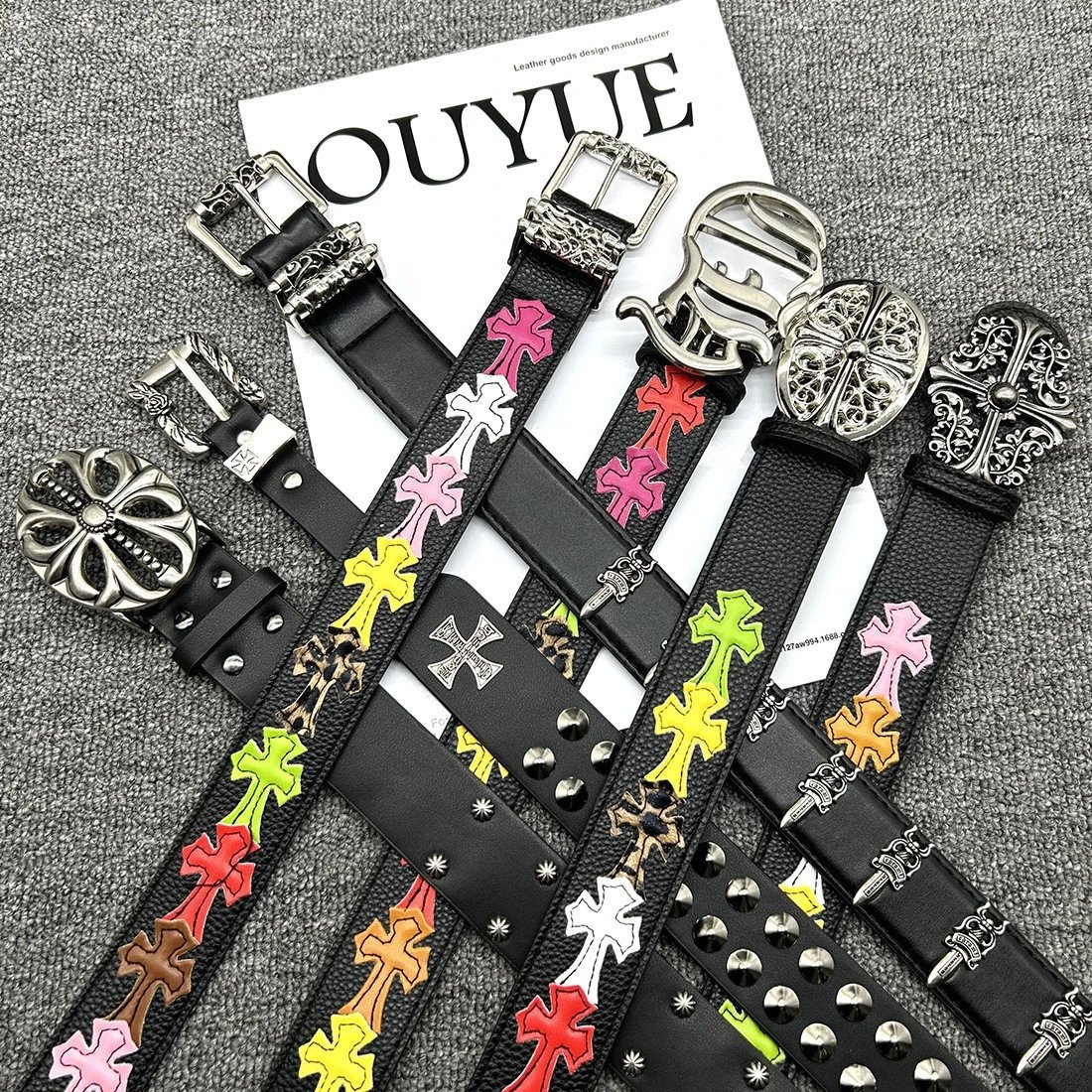
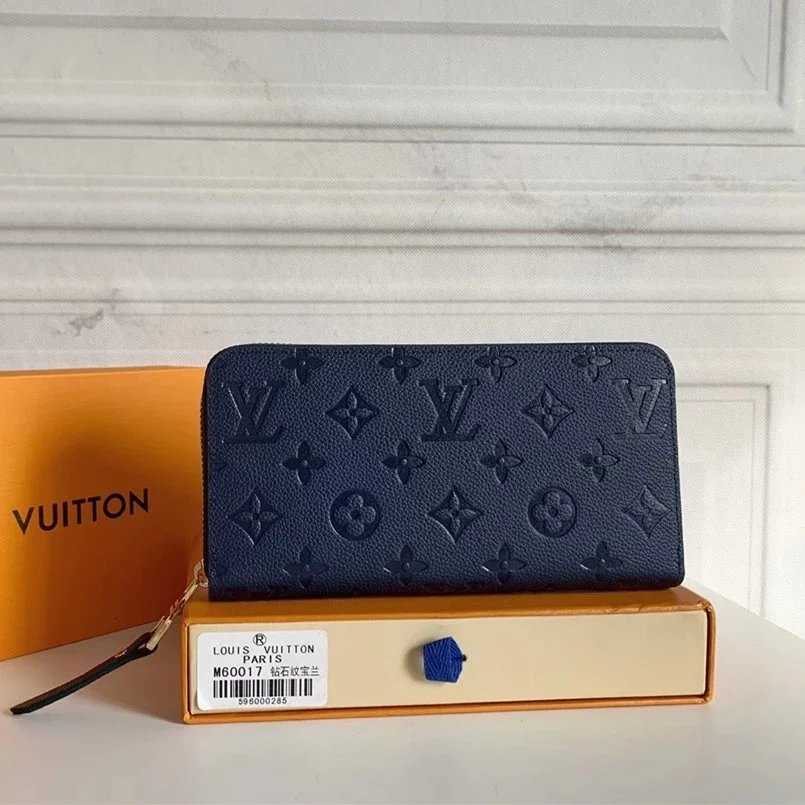
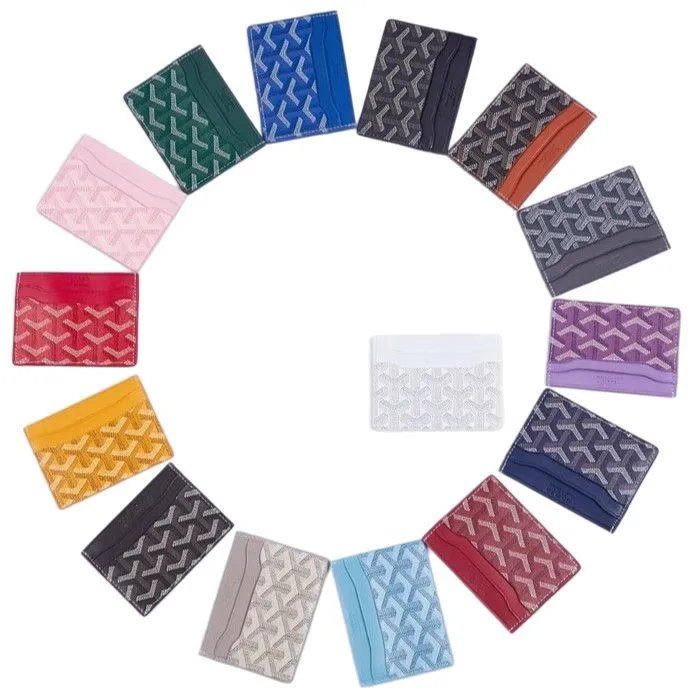
Compare footwear shapes, soles and uppers in their own section. Narrow to a shoe type and inspect available QC alongside seller photos.
Explore T-shirts, hoodies and knits. Check the pictured design against the precise source link; matching names can belong to different listings.
Browse trousers, shorts and other bottoms. Review the photos and pictured styles before confirming an option on the purchase page.
Keep outer layers together while comparing fastenings, seams and surfaces in the available inspection references.
Find coordinated pieces in one section. Confirm which pieces the exact seller listing includes.
Explore underwear and everyday basics. Use prices for an initial comparison and confirm the actual options on Oopbuy.
Go from bags and hats to watches and smaller accessories. Each find has its own source and photos to compare.
Explore electronic finds through their source listings. Photos help identify an appearance; check specifications for function and compatibility.
Browse finds outside the main clothing and accessory sections. A descriptive search or reference photo can help narrow the selection.
Find your way around the sheet, the photos and the original item.
A searchable Oopbuy spreadsheet for exploring product photos, source links and available QC. Choose a department on the homepage, search a name in Spreadsheet or begin with a reference photo. A detail page keeps the exact source item, seller pictures and available inspection images together. Oopbuy Sheetz is an independent guide. Your account, purchases and orders are handled on the official Oopbuy website.
Try a short descriptive name, then narrow the results by category or brand. The filters update immediately. Choose Newest for recent additions or sort by price to compare the current result set. Pagination keeps your search and selected filters. You can remove one active filter without clearing the rest. When two items look alike, open their details and compare their source links; a shared title does not identify the same seller listing.
Use the camera inside the search field to open Image Search. Upload a clear picture of one product, drop it into the upload area or paste an image from your clipboard. Compare the returned items by visible details and their own source links. Similar appearance does not establish the same item, seller or quality. The result pages explore the returned set; they do not fetch an unlimited stream of additional matches.
Prices here help you compare finds and start in USD. The currency menu recalculates them for browsing. A listing can contain several options with different current prices, and a style preview here does not select an order option. Open the Oopbuy purchase page and confirm the exact product, variant and current quote before paying. The displayed spreadsheet price is a reference and does not lock the amount charged for your order.
Seller images show how a listing is presented; QC photos are inspection references associated with the item. They appear in separate galleries on its detail page. Compare visible construction, surfaces and details across the two sets. Existing QC can help you inspect a find, but it does not show a new order placed by you and cannot guarantee that a later purchase will match every photographed detail.
Some items have seller pictures without inspection references. The detail page shows that state rather than substituting photos from another listing. You can still examine the source link and pictured styles, but you have less evidence for comparison. Do not read missing QC as proof that an item is good, bad or unavailable. Confirm the listing and any questions you have on Oopbuy before deciding whether to proceed.
A style thumbnail changes the preview image so you can inspect the pictured option. It does not add anything to a cart, reserve stock or choose a paid order variant. Use the main gallery to compare other seller photos, then follow the Oopbuy link and select the exact option there. If thumbnails share an image, the guide may group them for browsing; confirm the actual available options on the purchase page.
Click a main product image or QC photo to open the image viewer. The page uses fixed photo frames to keep browsing steady; the viewer shows the full original image and lets you zoom or move to another photo. Close it to continue at the product. If a photo cannot load, retry later or inspect the source page. A missing or temporarily unavailable image is not replaced with a picture of another product.
For a supported Weidian item, the button passes its original numeric source ID to the Oopbuy product page with channel=weidian and the invite code. For example, 7506441136 identifies the source product. The guide checks the source link against that ID before offering the button. Similar photos and internal record numbers do not establish a match. Unsupported sources do not receive a guessed Oopbuy purchase URL.
Use Copy Weidian Link on a supported detail page, then paste it where you need the original seller URL. A success message means the browser accepted the copy request. If access to the clipboard is blocked, the page reports a failure so you can try again or use the product link instead. Keep the complete URL when comparing listings: the numeric item ID distinguishes the specific source item.
Join Oopbuy opens the official registration page with inviteCode=U68CWQBN5. The product button opens Oopbuy for the matching supported item. Registration, choosing order options, payment and order management happen there. This guide does not ask for your Oopbuy password or process orders. Check the address in the new tab before entering account information, and use Oopbuy for questions about an actual order.
No. Oopbuy Sheetz is an independent browsing guide and uses referral links. The registration and supported product links include an invite code, and we may receive a commission when a qualifying action is attributed to it. That relationship is disclosed in the footer. A referral link is not a promise of a discount, item availability or a completed purchase; confirm the details on Oopbuy itself.